

The Task List appears in two places, each designed for a different job. Knowing which one you are in explains why tasks can look and behave differently.
Project Task List: hierarchical
- Open a project and select the Tasks tab.
- Tasks are shown as a tree, with parent and child tasks across multiple levels.
- Best for structuring and planning the work within a single project.
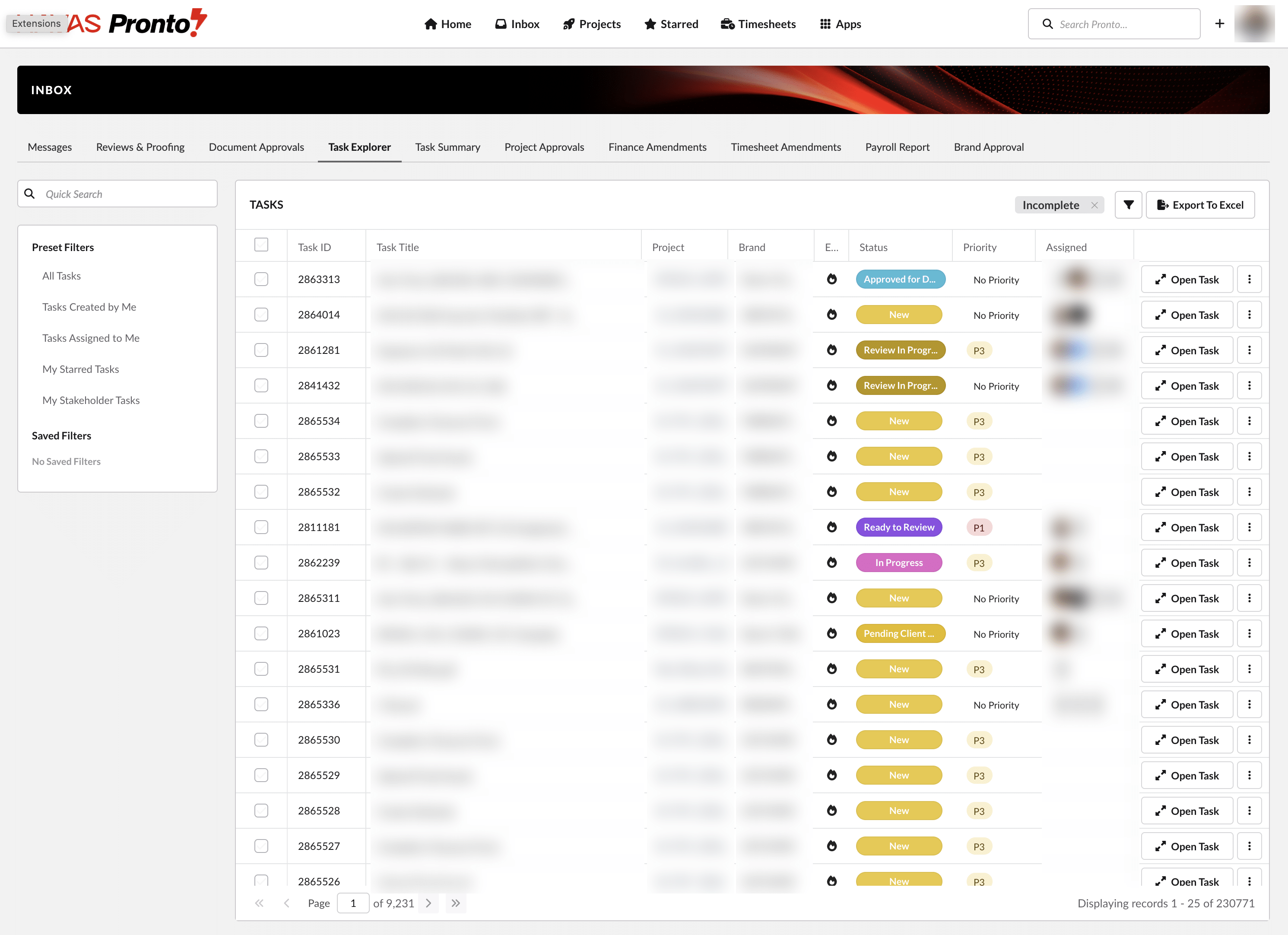
Task Explorer: flat
- Open your Inbox and select the Task Explorer tab.
- Tasks from all your projects are shown as a single flat list, without hierarchy.
- Best for scanning, sorting and filtering large volumes of tasks across projects. The list updates in real time as you sort, filter or search.
Good to know
Searching or filtering in the Project Task List temporarily switches it to a flat list. Clear the search or filter to restore the tree.