

In good company









Key features
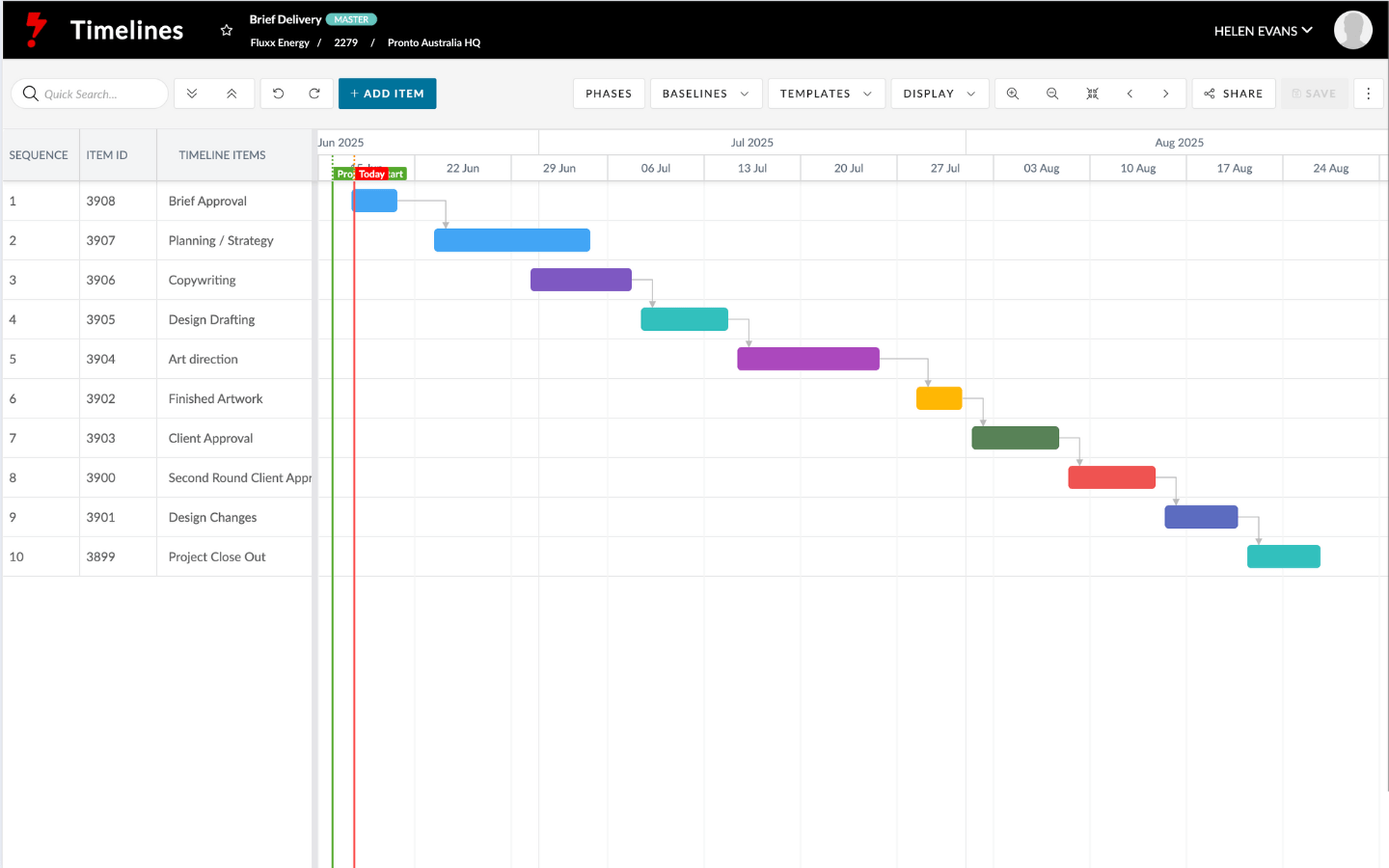
Project management
Start with a brief and Pronto builds your plan, links your team, and keeps everything moving.
Learn more →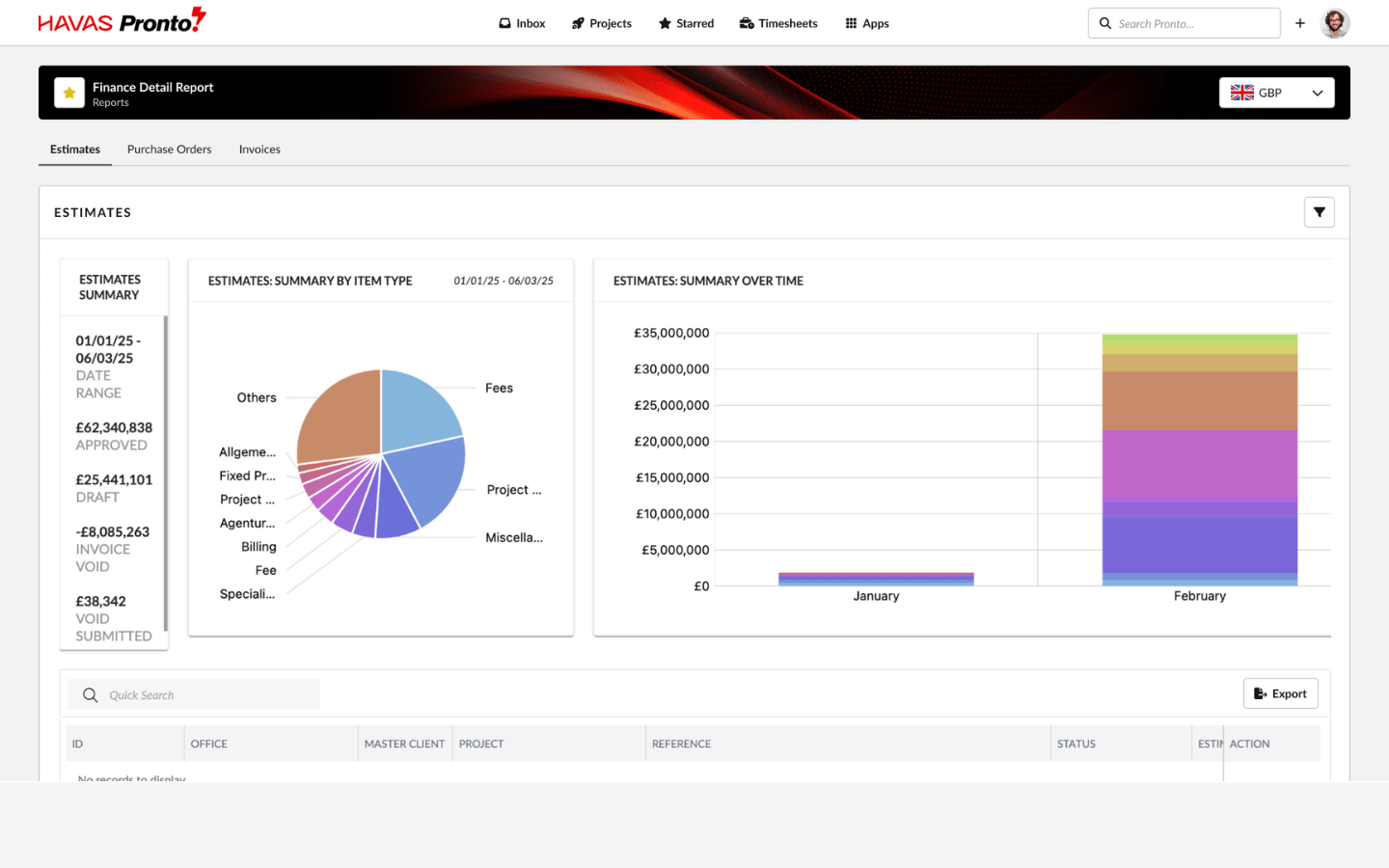
Finance & reporting
Stay on top of delivery and budget in one place, with live finance tracking, margins, and reports.
Learn more →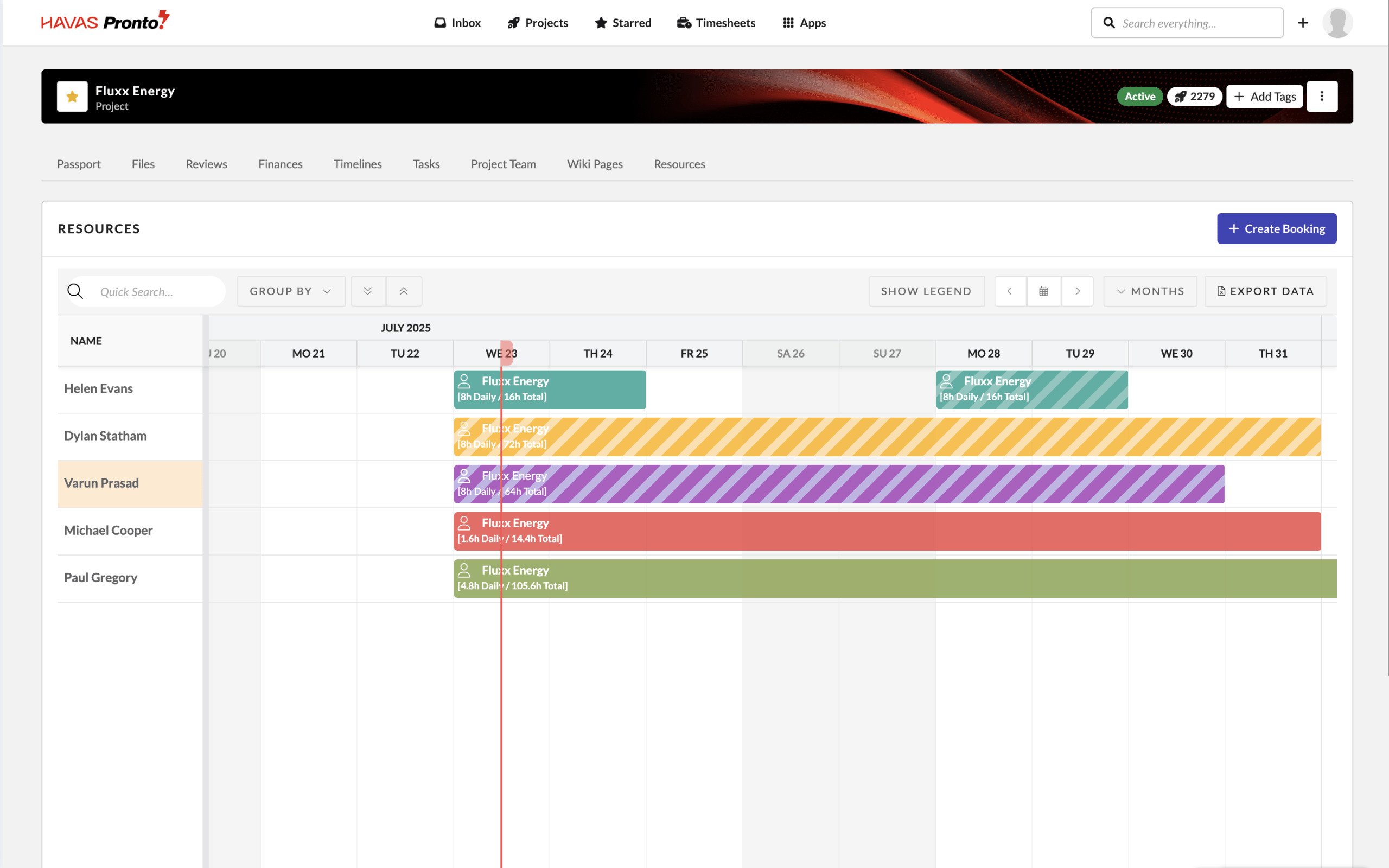
Team & resource tools
Easily assign work, manage capacity, and schedule your team with live availability and resource planning at your fingertips.
Learn more →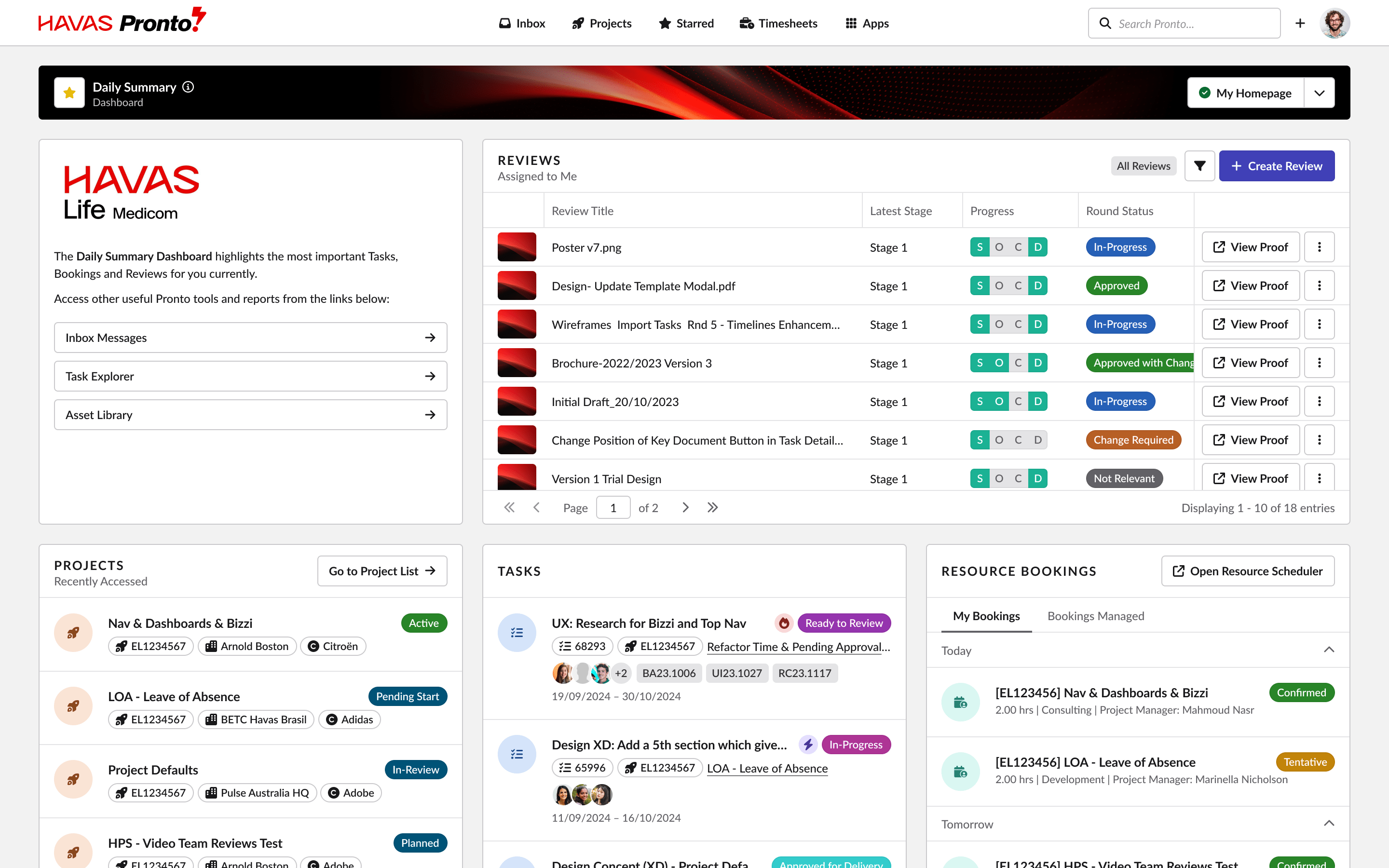
Dashboards & visibility
Custom dashboards and real-time health indicators give you instant clarity on what’s happening, what’s coming, and where to focus.
Learn more →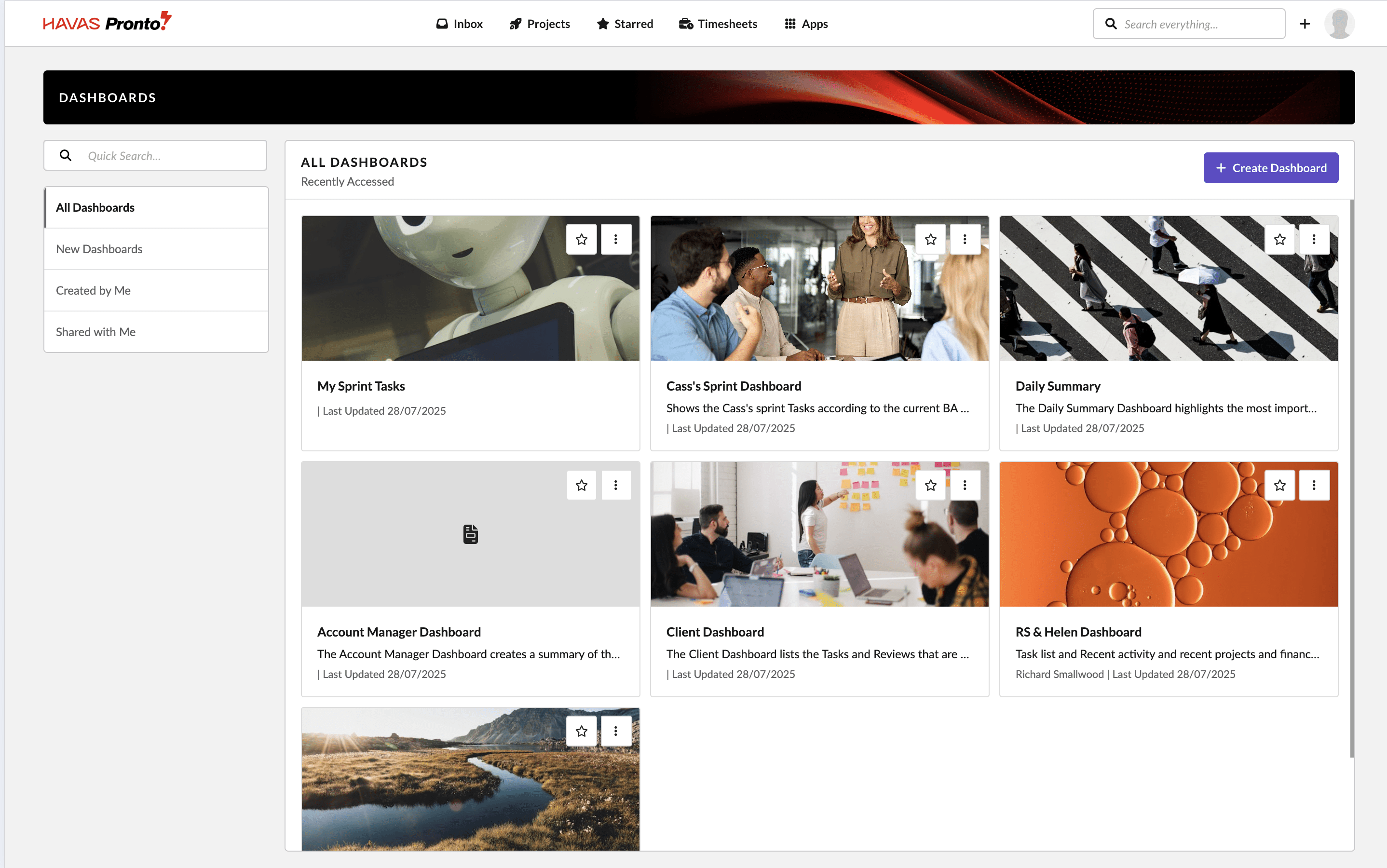
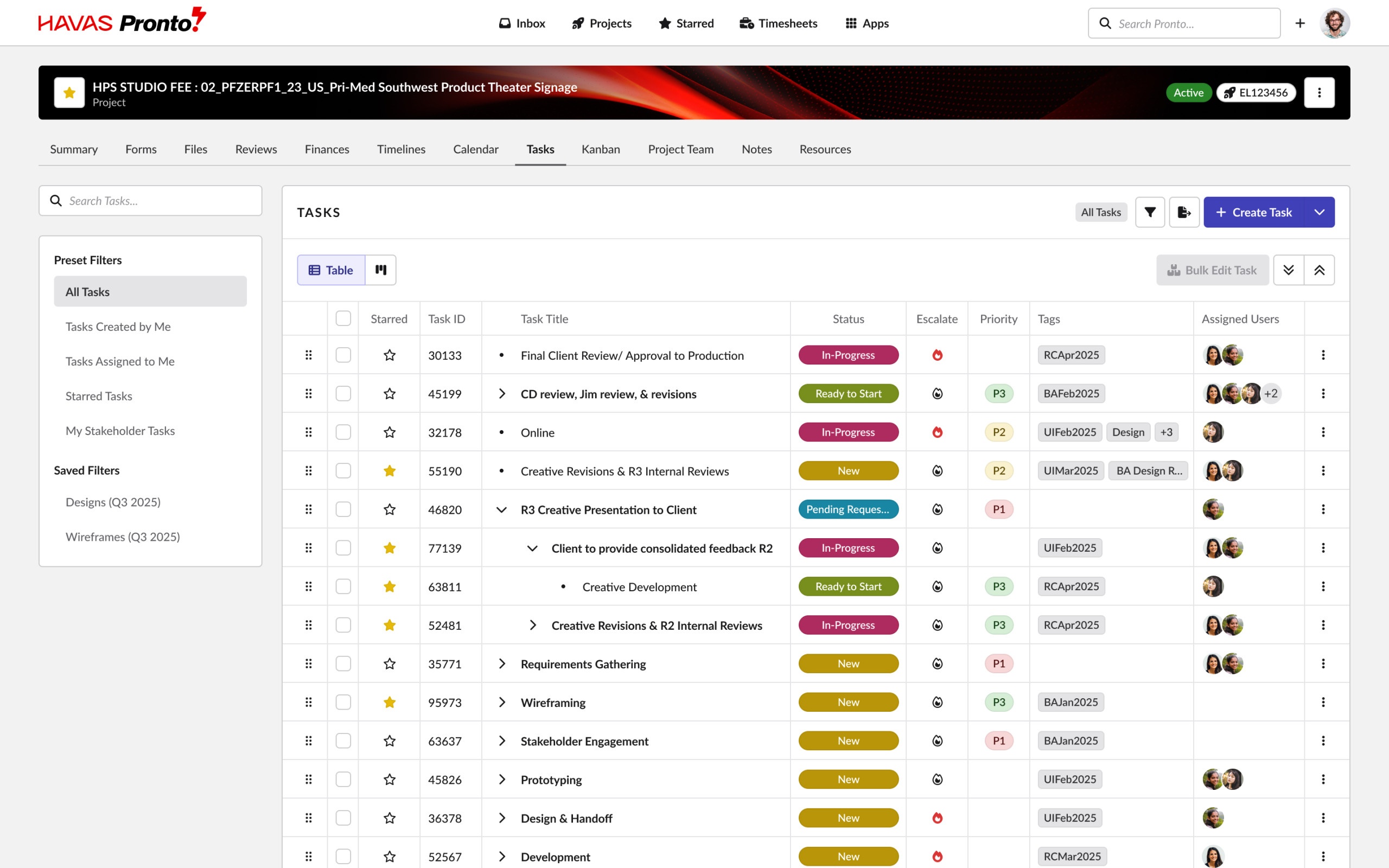
Document management & approvals
Upload once, review easily, and track approvals in one connected system.
Learn more →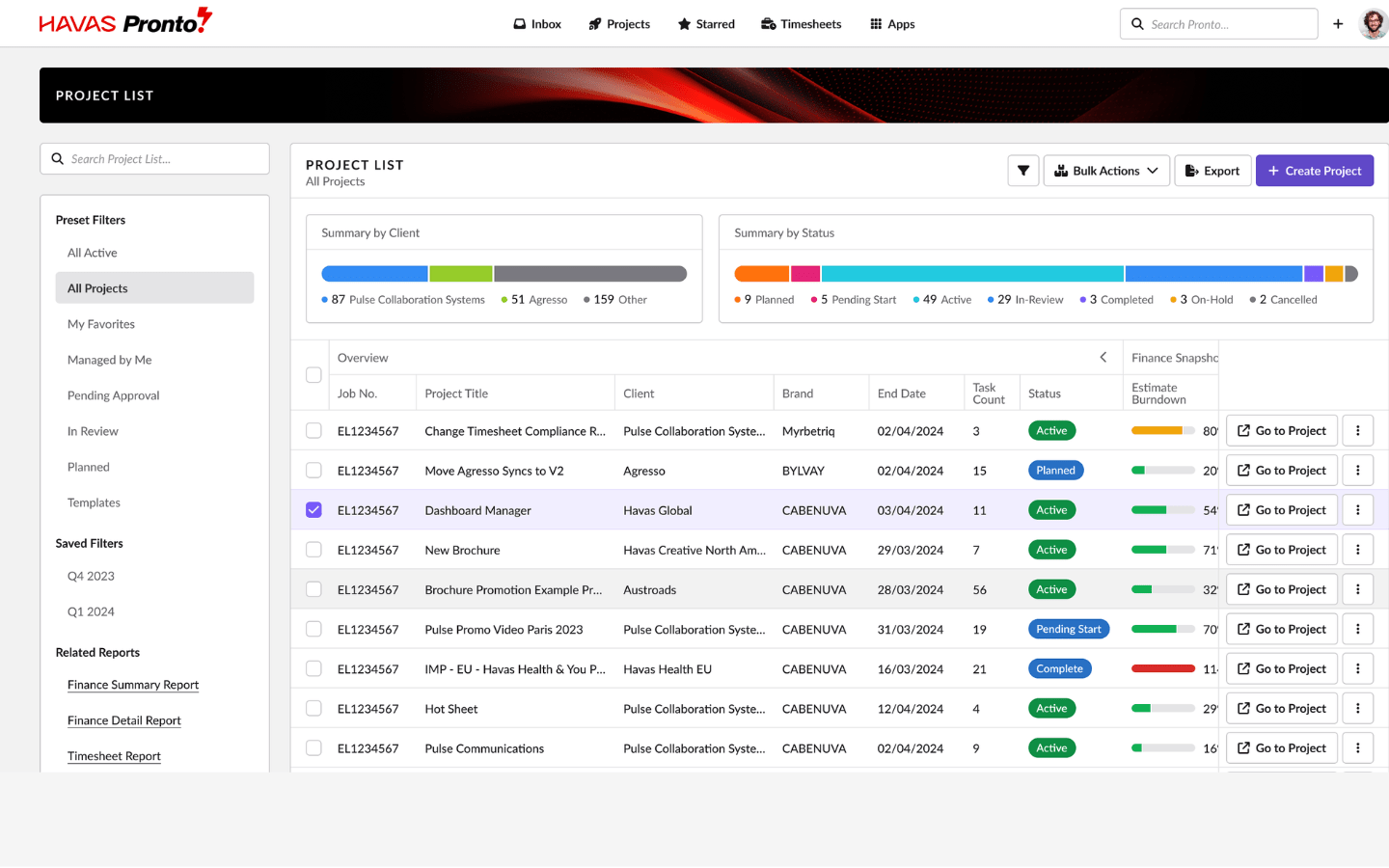
AI & automation
From project setup to reporting, Pronto’s AI handles the admin — so your work moves faster and with less effort.
Learn more →Everything connected
Tasks, timelines, budgets, and approvals — all in one place, working together. Pronto links every part of your workflow so updates happen automatically, and nothing gets lost in handover. With everything connected, your projects run smoother — and your team stays in sync from start to finish.
Features overview →Less friction, more flow
Start with a simple brief, and Pronto builds your project structure in seconds. Tasks, timelines, and resource bookings are auto-generated and linked — ready to go. You’ll spend less time setting up, and more time making progress where it counts.
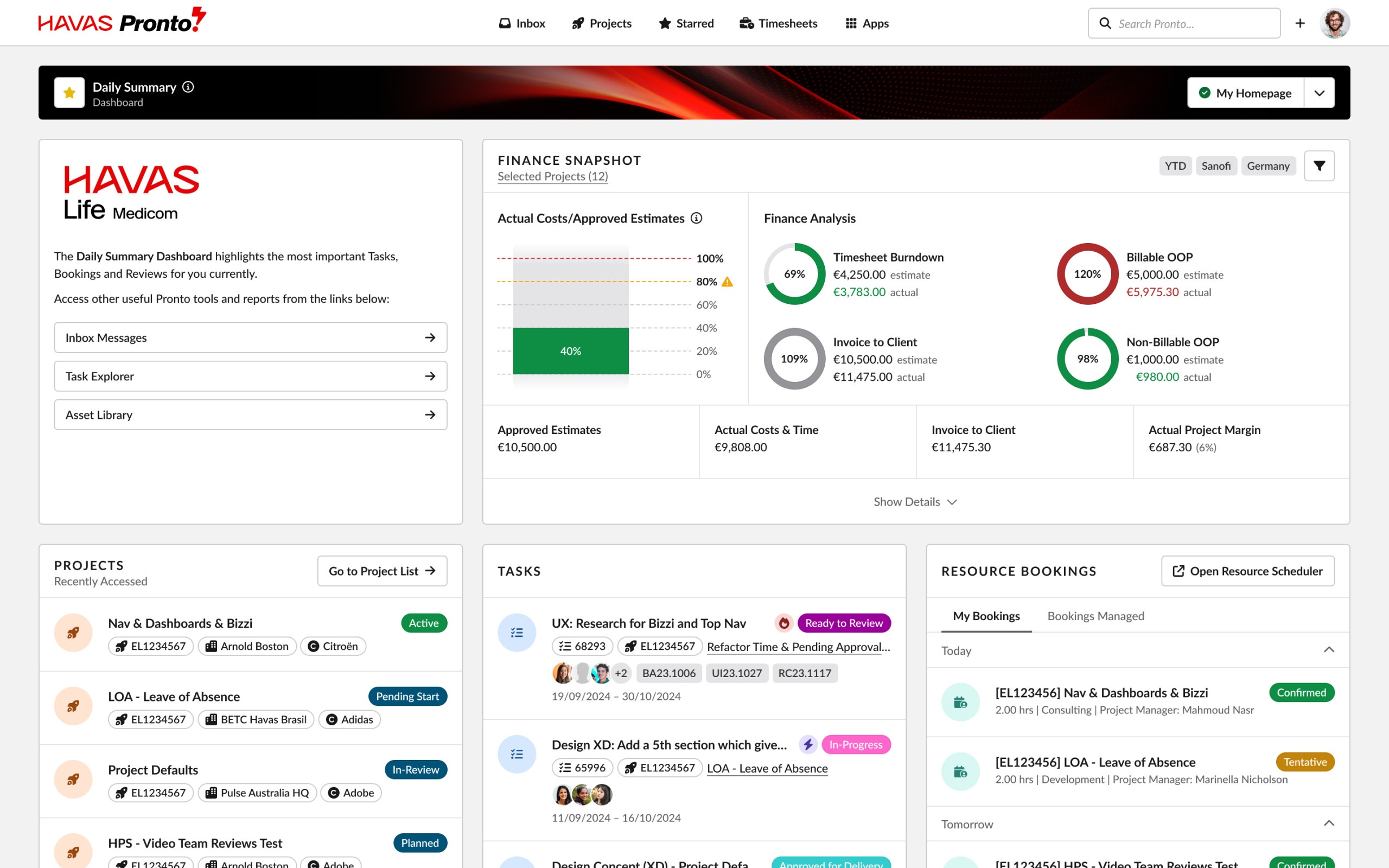
Clarity where It counts
Live dashboards, health indicators, and real-time reports keep you across every detail. Track delivery, budget, and team capacity — without jumping between tools. With clear visibility, you can move faster, fix issues earlier, and lead with confidence.

Release Notes – Oct 2026
1. ALL REGIONS FEATURES Brand Approval Queue Enhancements The Brand Approval Queue is where requests for new or existing Master Clients, Brands, and Products are reviewed and approved. This release makes it easier to use for both the people submitting requests and the people approving them. Access for Project Managers Until…
Read more →Release Notes – Sept 2026
1. ALL REGIONS FEATURES [#2298] Scheduler Updates Scheduler Control Bar Updates The Scheduler now has a refreshed control bar designed to make key actions easier to find and use. View and zoom controls have been simplified, with quicker access to the Utilization Report, Settings, Legend and Export options. The same…
Read more →Release Notes – Aug 2026
1. ALL REGIONS FEATURES Feature – Bulk Project Amendments – Project Details & Project Relations We’ve expanded Bulk Amendments for Agresso projects. You can now bulk-update two new areas, Project Details (such as Contract Client, Invoice Rule, and Branch) and Project Relations, across many projects at once. We’ve also improved the existing Project Dates…
Read more →