

Inline editing lets you update task fields directly in the grid, without opening the task.
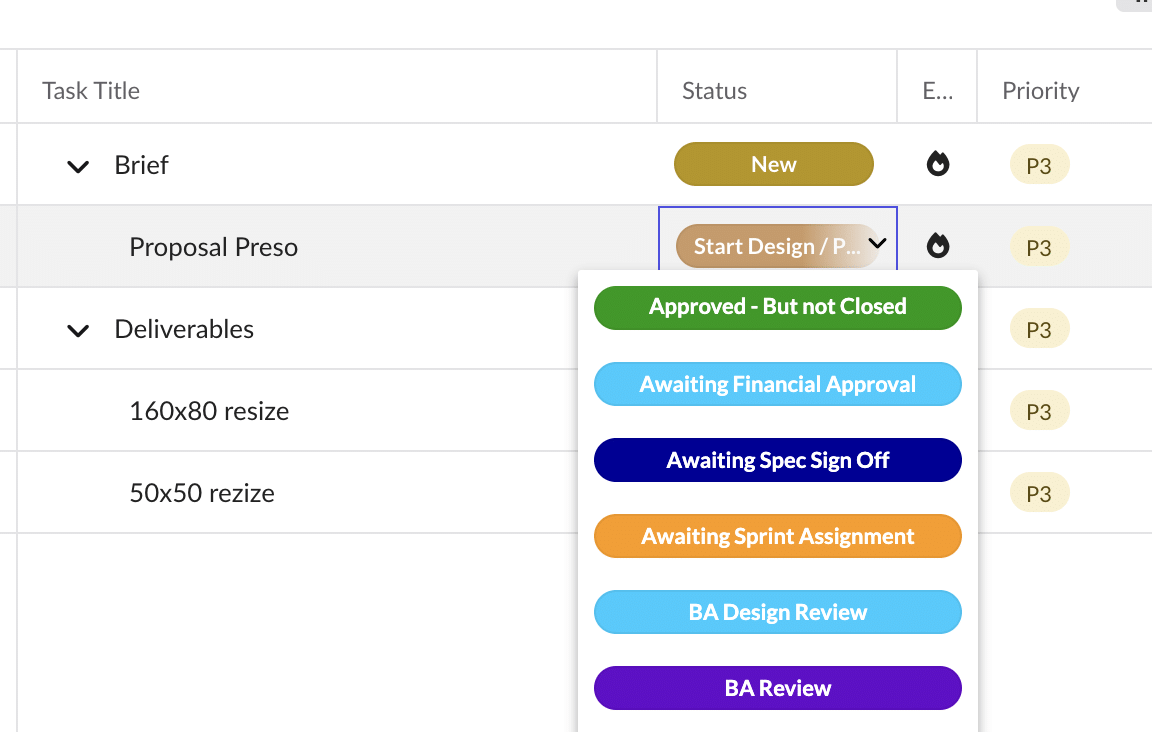
Fields you can edit inline
- Task Title
- Status
- Tags
- Start Date
- End Date
- Priority
- Assigned User
Other columns, such as Task ID, are read-only.
How to edit inline
- Click the field you want to change.
- Make your change in the field that opens.
- Click away or press Enter to save. The change applies immediately and appears in the task flyout.
Good to know
Only one field can be edited at a time. This prevents conflicting updates when several people are working on the same tasks.