

Preset filters are ready-made, system-defined views in the left navigation that let you jump to a common slice of tasks in one click.
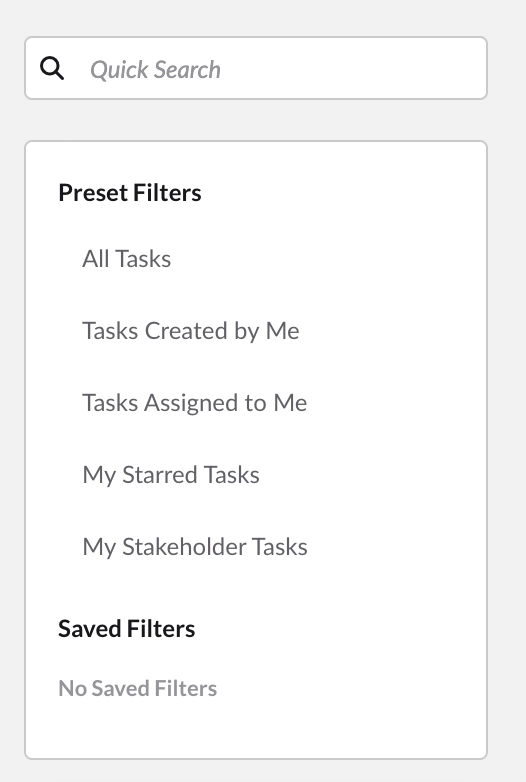
Available preset filters
- All Tasks
- Tasks Created by Me
- Tasks Assigned to Me
- My Starred Tasks
- My Stakeholder Tasks
To use a preset filter
- In the left navigation, under Preset Filters, click the view you want.
- The grid and filter chips update instantly to show only matching tasks.
Good to know
- Only one preset filter is active at a time; clicking another switches to it.
- To clear a filter and see everything again, select All Tasks.
Why it matters: Faster task retrieval, less manual filtering, and consistent, standardised views across everyone on the team.