

Drag and drop lets you reorder and restructure tasks directly in the Project Task List, including moving several at once and changing their hierarchy, all in a single action.
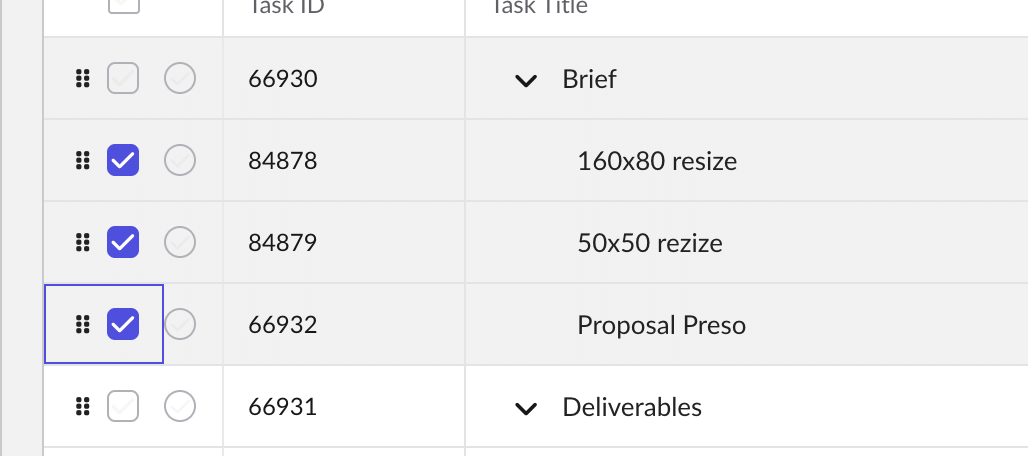
To reorder a single task
- Hover over the task to reveal the drag handle at the start of the row.
- Click and hold the handle, drag the task to its new position, and release.
To move multiple tasks at once
- Tick the checkboxes for the tasks you want to move.
- Drag any one of the selected tasks and they all move together in a single action.
To change hierarchy by dragging
- Drag a task onto or beneath a parent to make it a child, restructuring the tree as you go.
Important: Drag and drop is disabled while a sort is active in the Project Task List. This protects the integrity of the sorted view. To re-enable manual reordering, clear the active sort.