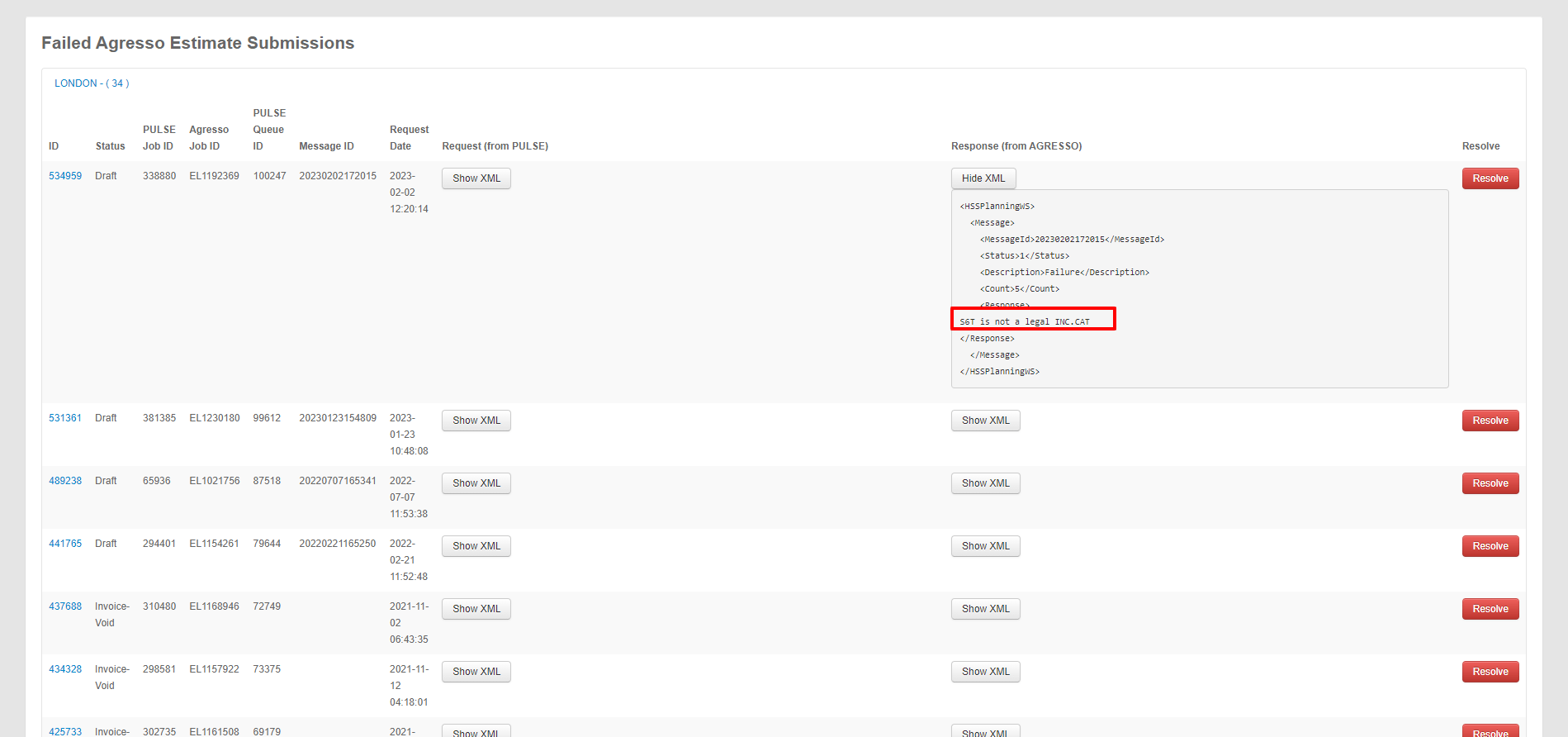

A project is failing to submit to Agresso, and you don’t know why. Before contacting the developer team, see if Agresso has returned a helpful error message.
- Go to https://havaspulse.com/agresso.php
- Click Pulse Agresso Project Queue Error Report (Failures)
- Search for the Finance Profile of the project and open the section
- Find the Job Number
- Under Response (from AGRESSO), click ShowXML
- See the error
If there is no error, then escalate to the developer team.