
Pronto
  • Features
    • Features overview

      Pronto combines every stage of project delivery, from briefing through to reporting, into one streamlined system that keeps everything connected.

    • Project management

      Start with a simple brief and let the Project Wizard instantly generate your timeline, task list, and resource bookings.

    • Finance & reporting

      Track time, costs, margins, and POs directly within each project with no separate systems needed.

    • Team & resource tools

      Assign the right people in seconds with live availability and one-click bookings, all from the task view.

    • Dashboards & visibility

      Build a personalised homepage that highlights what matters most- deadlines, budgets, tasks, and more.

    • Document management & approvals

      Every file is stored where it belongs-linked to the right project, task, or review for easy access.

    • AI & automation

      Upload a brief and let Pronto’s AI generate a complete, connected plan- timeline, tasks and resourcing included.

  • Industries
    • Advertising

      Pronto keeps creative projects on time, on brief, and on budget – linking timelines, feedback, finances and files in one seamless flow.

    • Production

      From shoots to post, Pronto keeps production teams aligned with live task tracking, resourcing, and budget control.

    • Consulting

      Stay responsive and in control of fast-moving client work. Pronto links tasks, timelines, hours, and budgets -all in one place.

    • Public relations

      Bring your campaigns, content, and client work together in one platform. Pronto helps teams move faster, align clearly, and focus on impact.

    • Marketing & comms

      Manage campaigns, content, and comms with clarity. Pronto connects teams, tasks, assets, and approvals to keep everything on track.

    • Government

      Pronto helps government teams manage complex projects with structure and oversight, aligning stakeholders and tracking progress in one secure system.

  • Pronto Academy
    • Pronto for beginners

      If you are just starting with Pronto and want to get a quick overview of the features and how to get started – these are the modules for you.

    • Feature training modules

      Learn about specific features in Pronto, to become a Pronto pro.

Searching...
Contact Us
Searching...
  1. Home
  2. Training
  3. Role-Based Training Modules
  4. Project Manager
Filter all Modules by role
  • Account Manager
  • Accountant
  • Architect
  • Builder
  • Business Analyst
  • CEO
  • Designer
  • Engineer
  • Finance Managers
  • Freelancers
  • HR
  • Marketing Director
  • Office Manager
  • Operations
  • Project Manager
  • Resource Manager
  • Universal user

Role Training > Project Manager

For Users that need to be able to create jobs and access the address book, but don’t need to edit the address book.
MODULE
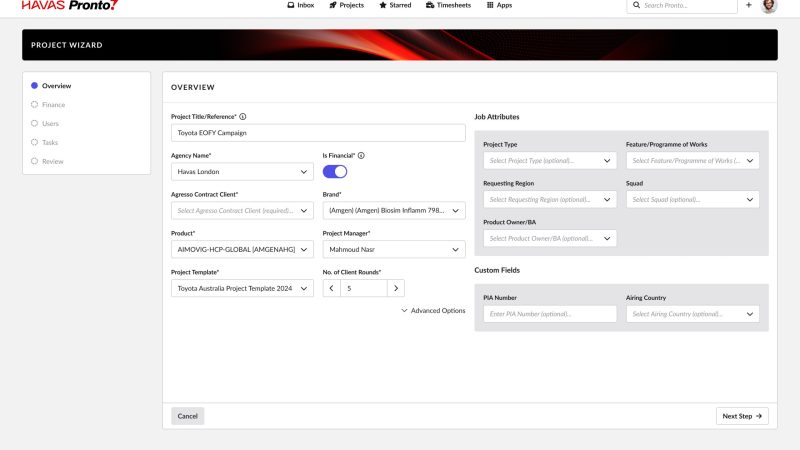
How to create a Project

This module will explain how to create a Project in Pronto, how to assign users and customise your project.
MODULE
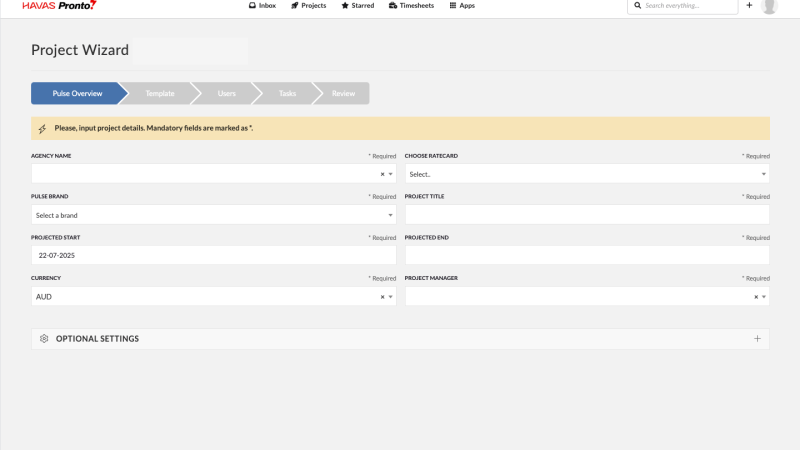
Project Creation with Pronto

This module shows you how to create a project in Pronto, assign users, and tailor the setup to match your workflow.

MODULE
Operations Manager

This Module is for Office Managers who are involved with the running of an Office and want to get the most out of Pulse for their business.

MODULE
Project Manager

This Module is for Project Managers who have mastered the basics of Pulse and want to Optimize their Project Delivery with Pulse.
MODULE
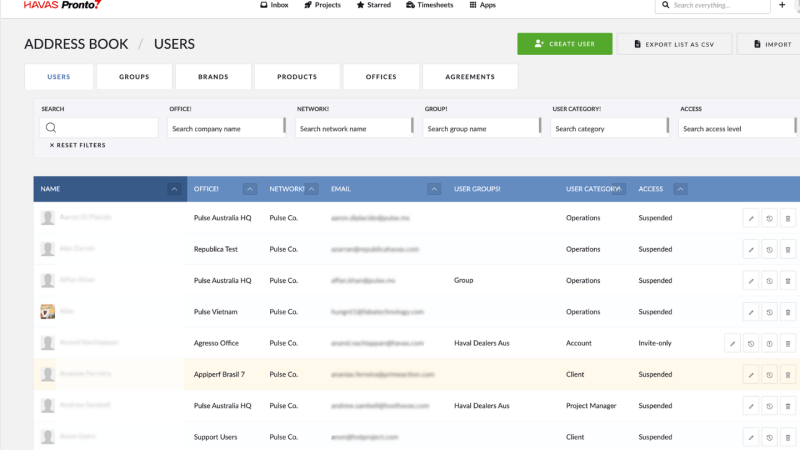
Address Book & User Security

Learn how to use the Pronto Address Book to manage offices, users, brands, and security — all in one organised place.

Pronto
Company
  • Contact
  • About Pronto
Training & Support
  • Pronto Academy
Help & Support
  • Raise a support ticket
Pronto Blog
  • Pronto blog
  • Release notes
  • New features
 
Pronto Support Chat